

Jump to content
View in the app

A better way to browse. Learn more.

SJeeXplore

A full-screen app on your home screen with push notifications, badges and more.

To install this app on iOS and iPadOS
  1. Tap the Share icon in Safari
  2. Scroll the menu and tap Add to Home Screen.
  3. Tap Add in the top-right corner.
To install this app on Android
  1. Tap the 3-dot menu (⋮) in the top-right corner of the browser.
  2. Tap Add to Home screen or Install app.
  3. Confirm by tapping Install.

403 bypass webshells

(0 reviews)

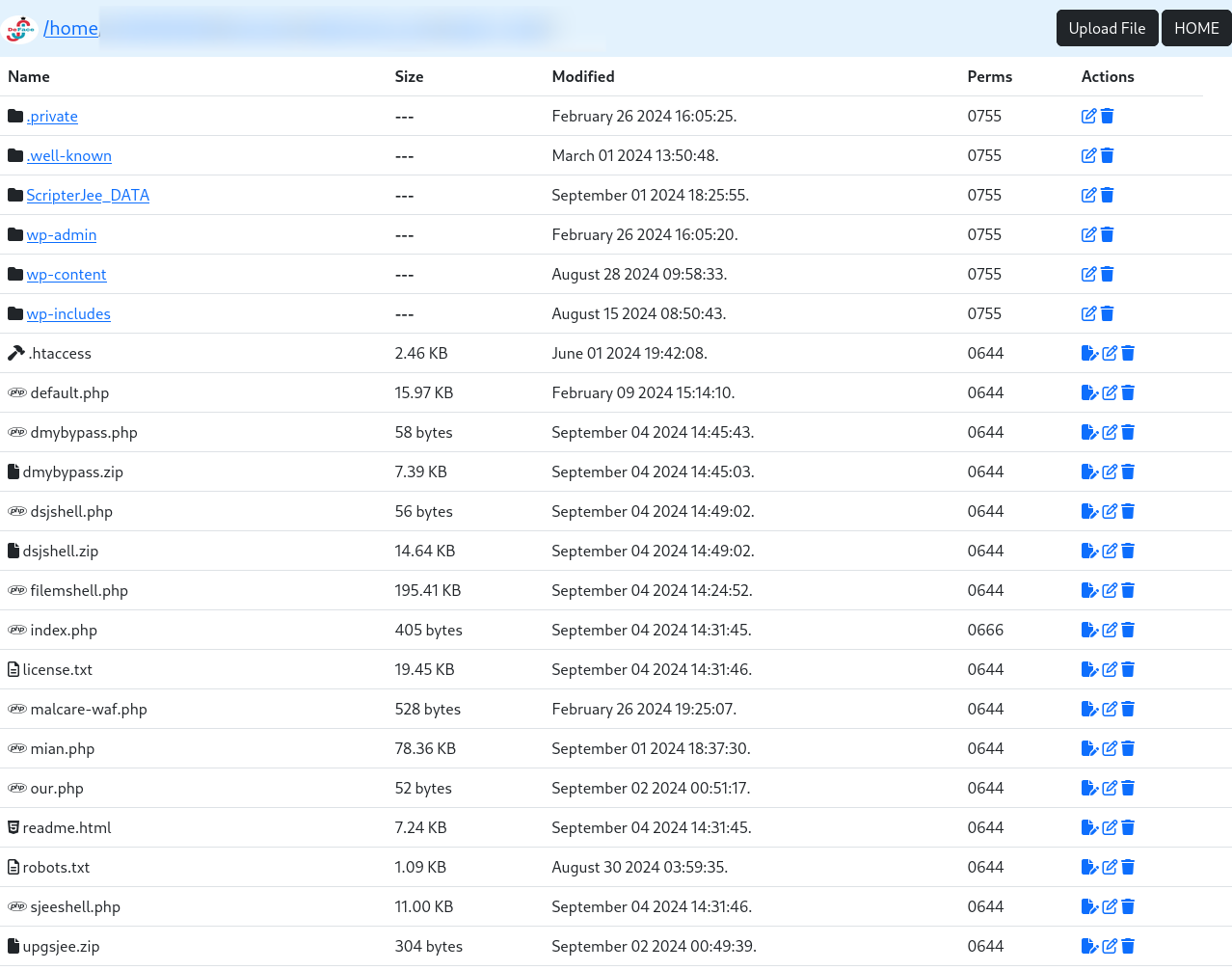
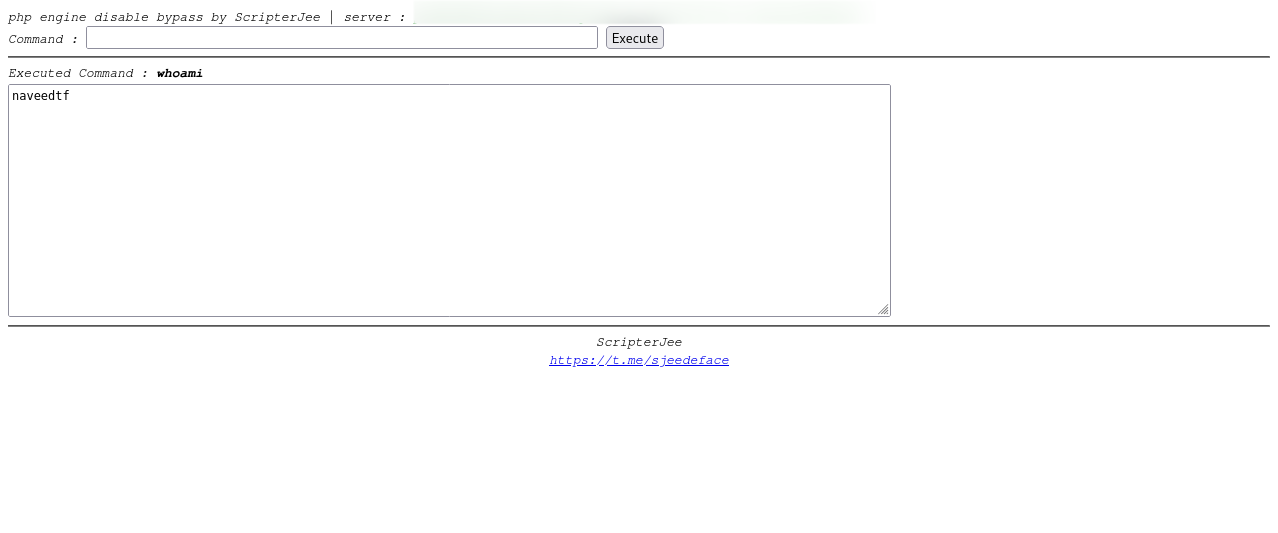
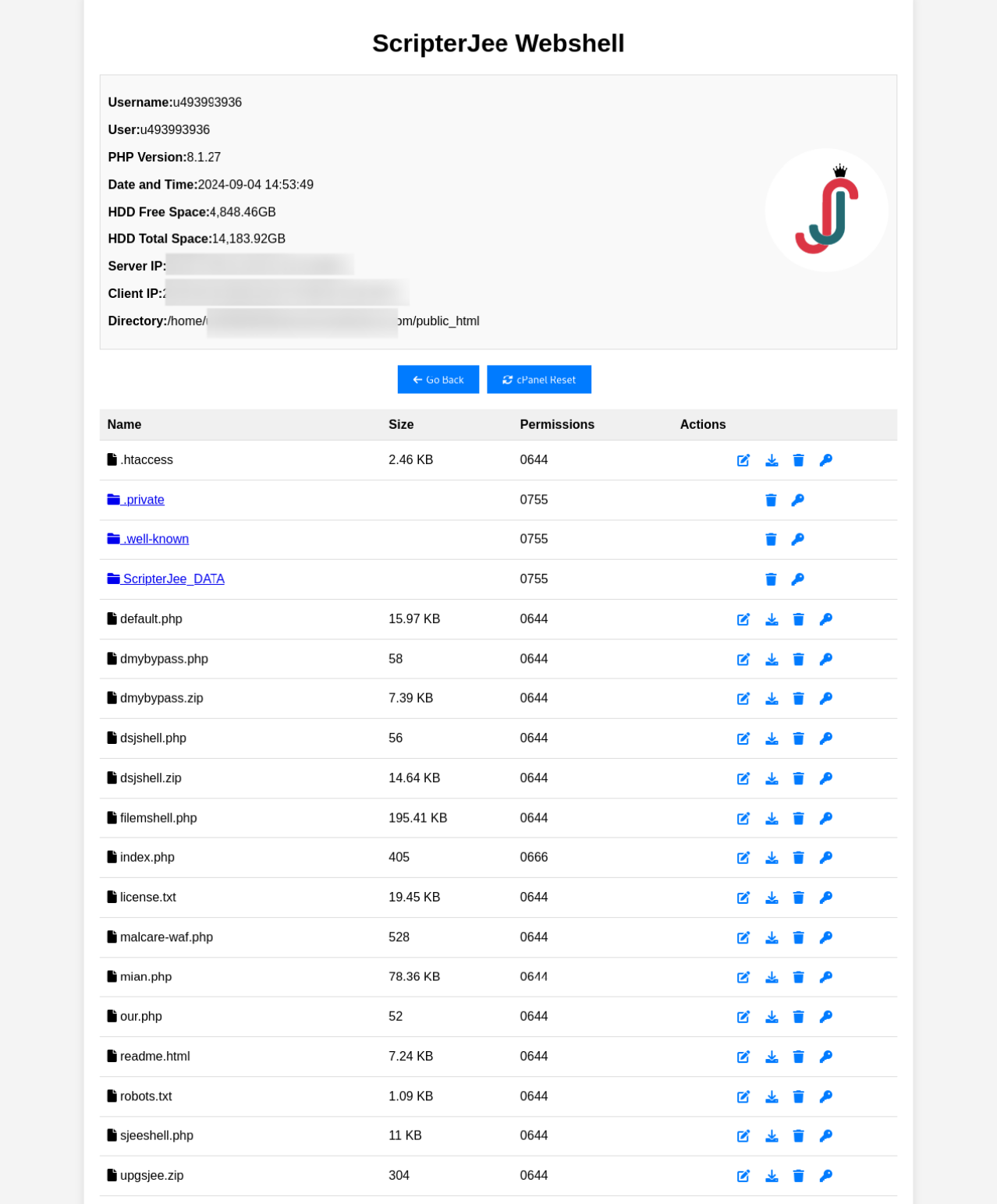
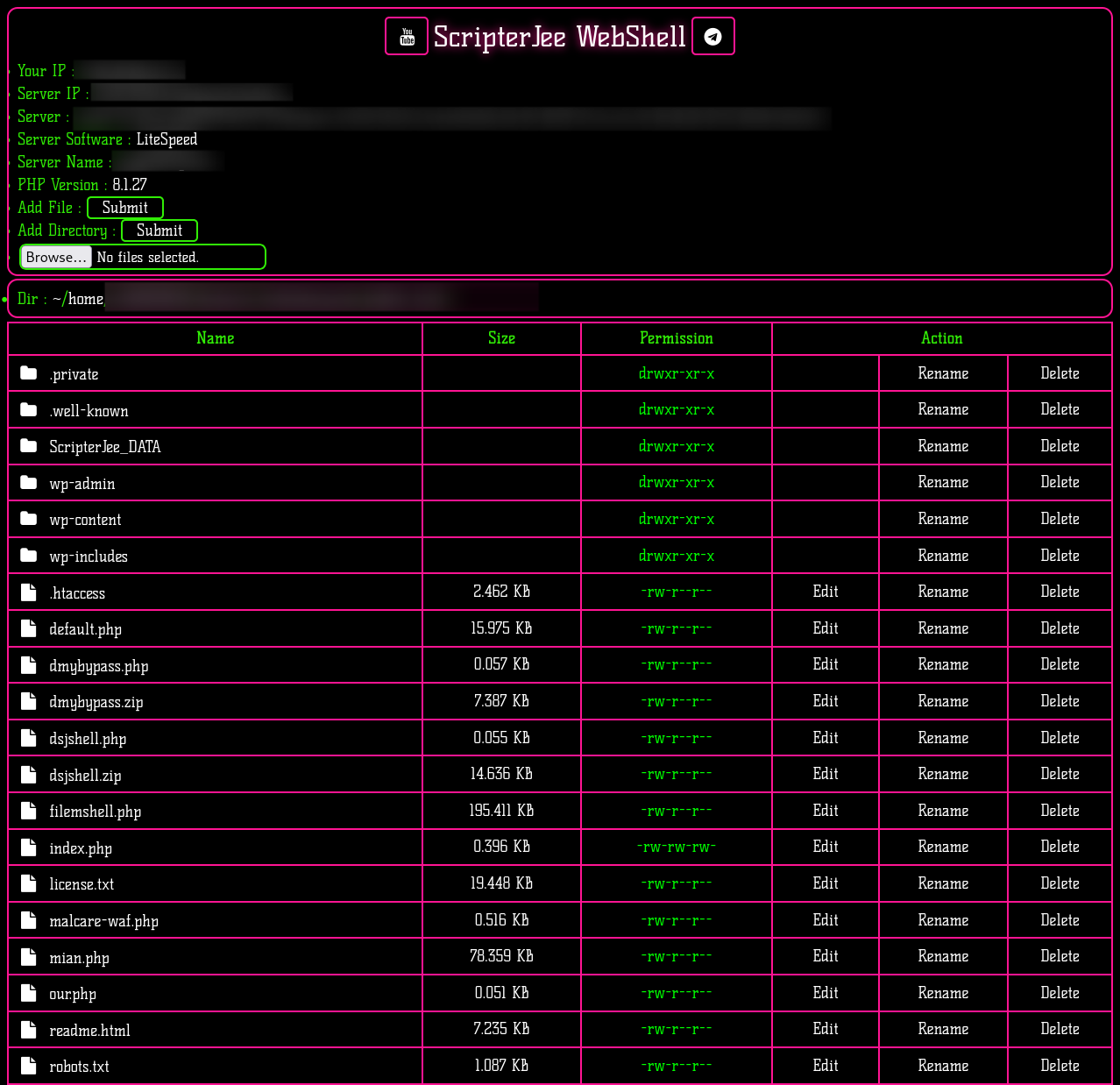
4 Screenshots

I’ve shared Four advanced webshells designed to bypass 403 errors and infiltrate nearly any website's server. These webshells exploit overlooked vulnerabilities, allowing unauthorized access by evading server restrictions. They manipulate server responses, enabling attackers to execute commands or upload malicious files undetected. With these tools, even websites with strong security measures can be compromised, making them powerful assets in an ethical hacker's toolkit.

User Feedback

You may only provide a review once you have downloaded the file.

There are no reviews to display.

Configure browser push notifications

Chrome (Android)
  1. Tap the lock icon next to the address bar.
  2. Tap Permissions → Notifications.
  3. Adjust your preference.
Chrome (Desktop)
  1. Click the padlock icon in the address bar.
  2. Select Site settings.
  3. Find Notifications and adjust your preference.